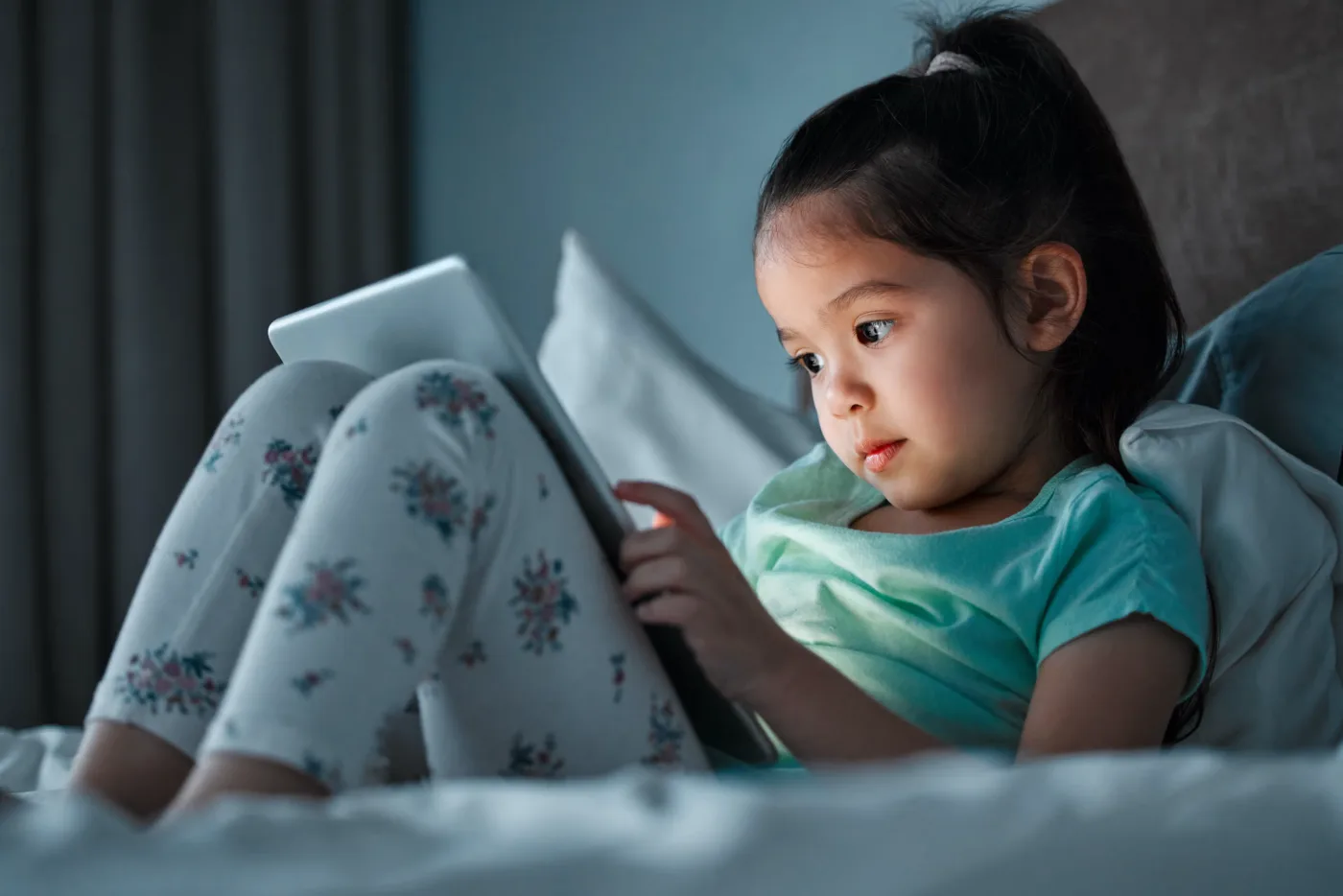
Parents ask about screen time all the time.
How much is too much?
Are screens damaging my child’s eyes?
Do blue light glasses help?
Is screen time making my child nearsighted?
Are headaches after tablets and homework normal?
The honest answer is that screen time is not all good or all bad.
Screens are part of school, communication, entertainment, homework, and daily life. Most families cannot remove screens completely, and most do not need to.
But screens can absolutely make the eyes uncomfortable.
Children who spend long periods on phones, tablets, computers, gaming systems, or school devices may complain of headaches, eye strain, blurry vision, dry eyes, light sensitivity, trouble focusing, or tired eyes.
Screen time can also affect sleep, posture, attention, and how much time children spend outdoors.
So the real question is not, “Are screens evil?”
The better question is, “How can we help children use screens in a way that protects comfort, sleep, development, and eye health?”
Screens Do Not Usually Damage the Eyes by Themselves
Let’s start with the most reassuring point.
Regular screen use does not usually cause permanent eye damage by itself.
Looking at a tablet or computer does not burn the eyes. It does not usually damage the retina. It does not mean your child is ruining their eyes every time they use a device.
But screen use can cause symptoms.
That is where parents should pay attention.
A child can have healthy eyes and still feel uncomfortable after long screen use. A child can also have an uncorrected prescription, focusing problem, eye teaming problem, dry eye, allergy, or myopia that becomes more noticeable during screen time.
So screens may not be the whole problem, but they can reveal a problem.
Why Screens Make Eyes Tired
Screens are visually demanding.
When your child looks at a screen, the eyes have to focus up close and stay there. The eyes also have to work together at near, keep the image clear, and move across words, images, games, and videos.
Children also tend to blink less when using screens.
Blinking matters because it spreads tears across the front surface of the eye. When blinking decreases, the eyes can feel dry, gritty, watery, irritated, or blurry.
This is why your child may seem fine at the beginning of screen time, then complain later.
The eyes are not always damaged.
They are tired.
Common Screen-Related Eye Symptoms
Screen-related eye strain may cause:
- Headaches
- Tired eyes
- Eye rubbing
- Burning
- Stinging
- Dryness
- Watery eyes
- Blurry vision
- Double vision
- Trouble refocusing after looking away
- Light sensitivity
- Neck or shoulder discomfort
- Trouble finishing homework
- Avoiding reading or screens
- Complaints that the eyes hurt
These symptoms are not something to ignore if they happen often.
They may mean your child needs a different screen setup, better habits, glasses, dry eye treatment, allergy treatment, or a more detailed look at focusing and eye teaming.
Digital Eye Strain Is Real
Digital eye strain is a term used for eye and vision symptoms related to prolonged screen use.
It can affect adults, teens, and children.
Symptoms are often worse when screens are used for long periods without breaks, when the screen is too close, when lighting is poor, when glare is present, or when a child has an uncorrected vision problem.
Digital eye strain can feel like:
- Eye fatigue
- Headaches
- Blurry vision
- Dry eyes
- Trouble focusing
- Eye discomfort
- Neck and shoulder strain
For children, it may show up as behavior.
A child may avoid homework, complain, rush, become emotional, or say they are tired after only a short amount of near work.
Why Children May Not Explain It Clearly
Adults can usually say, “My eyes feel strained after working on the computer.”
Children often do not describe symptoms that way.
They may say:
“My head hurts.”
“My eyes hurt.”
“I am tired.”
“I do not want to do this.”
“This is boring.”
“I cannot focus.”
“The words are blurry.”
Some children do not complain at all. They just rub their eyes, blink hard, move closer to the screen, or avoid work.
Parents should watch for patterns.
If symptoms happen mostly during screens, reading, homework, or close work, the eyes should be considered.
The 20-20-20 Rule Can Help
A simple habit many eye doctors recommend is the 20-20-20 rule.
Every 20 minutes, look at something about 20 feet away for 20 seconds.
This gives the focusing system a break.
For younger children, you may need to make this more practical.
You can say:
“After this page, look out the window.”
“After this video, stand up and stretch.”
“After 20 minutes of homework, look across the room.”
The goal is not to make screen time stressful. The goal is to build in natural breaks before symptoms build up.
Working Distance Matters
Many children hold screens too close.
Phones and tablets are often brought very close to the face, especially when children are tired or lying down.
Closer working distances make the focusing and eye teaming systems work harder.
A better habit is to keep screens at a comfortable distance.
For tablets and computers, the screen should not be pressed close to the face. The child should be sitting comfortably, with the screen positioned to reduce glare and neck strain.
If your child always holds screens very close, they may need an eye exam.
They may be doing it out of habit, but they may also be compensating for blurry vision.
Lighting and Glare Matter
Poor lighting can make screen use more uncomfortable.
A bright screen in a dark room can feel harsh. A dim screen in bright glare can make the child strain. Reflections from windows or overhead lights can also increase discomfort.
Try to set up screens so the child is not fighting glare.
Helpful changes include:
- Avoid screens in a dark room
- Reduce glare from windows
- Adjust brightness to match the room
- Increase font size when needed
- Avoid awkward posture
- Keep the screen clean
- Use good room lighting during homework
Small changes can make a big difference.
Blue Light Is Not the Whole Story
Blue light gets a lot of attention.
Many parents worry that blue light from screens is damaging their child’s eyes.
Current eye health guidance does not support the idea that normal screen blue light is causing permanent eye damage in children.
That does not mean screens do not matter.
It means blue light is not the only concern and may not be the main reason your child’s eyes feel tired.
Screen discomfort is more often related to reduced blinking, dry eye, long near focus, glare, poor posture, uncorrected prescription, focusing strain, or eye teaming issues.
Blue light glasses may make some people feel more comfortable, but they are not a complete answer for headaches, blurry vision, reading fatigue, dry eye, or screen-related symptoms.
If your child has symptoms, start with an eye exam instead of assuming blue light is the cause.
Screens Before Bed Can Affect Sleep
Even if blue light is not “damaging the eyes,” screens before bed can still affect sleep.
This matters for children and teens.
Late-night screen use can make it harder to wind down. Notifications, games, videos, and social media can keep the brain alert. Bright screens close to bedtime can also interfere with sleep timing.
Poor sleep can make everything worse.
A tired child may have more headaches, more eye rubbing, more difficulty focusing, more emotional reactions, and more trouble with school.
A practical rule is to create a screen-free wind-down period before bed.
This does not need to be perfect every night, but it should be consistent enough that sleep is protected.
Screen Time and Myopia
This is one of the biggest questions parents ask.
Does screen time cause myopia?
Myopia means nearsightedness. A child with myopia sees better up close than far away.
The relationship between screen time and myopia is still being studied. The science is more complicated than saying screens alone cause myopia.
Family history matters. Eye growth matters. Near work matters. Outdoor time matters.
Many studies suggest that children who spend more time outdoors have a lower risk of developing myopia. Studies also show that increased near work, including reading and writing, may be associated with myopia. Screen time may be part of that near work pattern, but it is not always easy to separate screen use from other close-up activities.
So the best advice is balanced:
- Do not panic about every screen
- Encourage daily outdoor time
- Build in breaks from close work
- Keep screens at a healthy distance
- Schedule regular eye exams
- Ask about myopia management if your child becomes nearsighted
Outdoor time is one of the most practical steps families can take.
Outdoor Time Matters
Outdoor time is good for children for many reasons.
For eyes, outdoor time is especially important in the myopia conversation.
Children who spend more time outdoors appear to have a lower risk of becoming nearsighted. This does not mean outdoor time prevents myopia in every child. A child with strong family history can still become nearsighted.
But regular outdoor time is still a healthy protective habit.
It also naturally gives the eyes a break from close work.
For many families, the goal should not be perfection. The goal is to build outdoor time into normal life when possible.
A walk, playground time, sports, swimming, biking, or simply playing outside can help reduce long stretches of near focus.
What About School Screens?
Parents often feel stuck because screens are not only for entertainment anymore.
Many children use screens for school.
They may have online assignments, classroom apps, reading programs, testing platforms, or homework portals.
That makes screen limits more complicated.
Instead of focusing only on total hours, look at how the screen time is being used and how your child feels afterward.
Ask:
- Is this schoolwork or entertainment?
- Is my child taking breaks?
- Is the screen too close?
- Is the child blinking and comfortable?
- Is there glare?
- Is the child using screens right before bed?
- Does my child complain of headaches or blur?
- Does my child need glasses?
- Does the screen time replace sleep, outdoor time, movement, or family interaction?
Quality, timing, breaks, and symptoms matter.
What About Tablets and Phones?
Phones and tablets can be more visually demanding than larger screens because children often hold them very close.
Small text, scrolling, games, videos, and long periods of near focus can all increase symptoms.
If your child uses a tablet or phone often, watch for:
- Holding the device very close
- Looking down for long periods
- Eye rubbing
- Headaches
- Blurry vision
- Trouble stopping
- Symptoms after use
- Poor sleep if used at night
Whenever possible, encourage larger text, good lighting, breaks, and a more comfortable viewing distance.
What About Gaming?
Gaming can be visually intense.
Children may stare without blinking, sit too close, play for long stretches, and become highly focused. Fast motion, contrast, bright lights, and long sessions can increase eye strain for some kids.
Gaming can also push bedtime later, which affects sleep.
If gaming is causing symptoms, try:
- Shorter sessions
- Breaks between rounds
- Larger screens at a better distance
- Good lighting
- Avoiding gaming right before bed
- Stopping if headaches, blur, or eye pain starts
- Scheduling an eye exam if symptoms repeat
The goal is not to shame gaming.
The goal is to make sure your child’s eyes are comfortable and their sleep is protected.
Screen Time and Dry Eye
Dry eye can happen in children.
It is more common than many parents realize, especially with heavy screen use, allergies, contact lenses, medications, air conditioning, or poor blinking habits.
Children may not say their eyes feel dry.
They may say:
“My eyes burn.”
“My eyes hurt.”
“My eyes feel tired.”
“My vision gets blurry.”
They may rub their eyes or blink hard.
If symptoms are worse after screens, dry eye or tear film instability may be part of the problem.
An eye exam can help determine whether your child needs artificial tears, allergy treatment, eyelid care, contact lens changes, or another plan.
Screen Time and Headaches
Headaches after screen use can come from many causes.
Vision is one possible cause.
A child may get headaches because of an outdated prescription, uncorrected farsightedness or astigmatism, eye focusing strain, eye teaming problems, dry eye, poor posture, glare, or long periods without breaks.
Headaches can also come from sleep problems, dehydration, stress, illness, migraine, concussion, or other medical concerns.
If headaches are frequent, severe, new, worsening, or associated with vomiting, neurologic symptoms, or vision loss, contact your child’s pediatrician or seek medical care.
If headaches are tied to reading, homework, screens, or focusing, schedule an eye exam.
Signs Your Child Needs an Eye Exam
Schedule an eye exam if your child has:
- Headaches with screens or homework
- Blurry vision
- Double vision
- Eye rubbing
- Squinting
- Holding screens very close
- Trouble seeing the board
- Watery or burning eyes
- Light sensitivity
- Losing place while reading
- Avoiding schoolwork
- Complaints that words move or blur
- Red eyes after screen use
- Trouble refocusing from near to far
- A failed school vision screening
- A prescription that keeps changing
You should also schedule if your child has never had a comprehensive eye exam.
A school screening is helpful, but it is not the same as a full eye exam.
What the Eye Doctor Checks
A comprehensive eye exam can help determine whether screen symptoms are coming from the eyes, the environment, or both.
The doctor may check:
- Distance vision
- Near vision
- Glasses prescription
- Eye health
- Eye focusing
- Eye teaming
- Eye movement
- Dry eye signs
- Allergy signs
- Contact lens fit if relevant
- Myopia progression
- Screen-related symptoms
- Whether more detailed testing is needed
The goal is not just to say, “Use screens less.”
The goal is to understand why the symptoms are happening.
What Parents Can Do Today
Here are practical steps that help many children.
Build in breaks
Use the 20-20-20 rule during long screen sessions.
Every 20 minutes, look far away for 20 seconds.
For younger kids, build breaks into natural stopping points.
Increase outdoor time
Outdoor time is one of the best habits for children’s eye health, especially when thinking about myopia risk.
Try to make outside time part of the daily rhythm when possible.
Keep screens at a better distance
Avoid holding phones and tablets close to the face.
Encourage comfortable posture and a screen distance that does not require leaning in.
Watch bedtime screens
Screens right before bed can interfere with sleep.
Create a screen-free wind-down period when possible.
Adjust brightness and glare
Match screen brightness to the room. Avoid dark rooms with bright screens. Reduce glare from windows and overhead lights.
Encourage blinking
Children blink less when concentrating.
Remind them to blink, especially during gaming, schoolwork, and long computer sessions.
Do not rely only on blue light glasses
Blue light glasses may help some people feel more comfortable, but they do not replace an eye exam when a child has headaches, blur, double vision, eye rubbing, or reading fatigue.
What If Your Child Needs Screens for School?
Many children cannot simply stop using screens.
That is okay.
The goal is to support the visual system.
Talk with the teacher if your child has symptoms during school screen use. They may benefit from breaks, printed materials, larger font, reduced glare, or seating adjustments.
If symptoms are significant, an eye exam can help determine whether accommodations are appropriate.
What If Your Child Already Wears Glasses?
If your child wears glasses and still has symptoms with screens, the prescription may need to be checked.
Sometimes children need an updated prescription.
Sometimes the prescription is correct, but the child has focusing or eye teaming problems.
Sometimes dry eye, allergies, or contact lens discomfort is the issue.
Glasses help clarity, but they do not automatically solve every screen-related symptom.
What If Your Child Is Nearsighted?
If your child is nearsighted, screen habits are part of the bigger myopia conversation.
Make sure your child has regular eye exams.
Ask whether the prescription is changing.
Ask whether myopia management should be discussed.
Encourage outdoor time and breaks from long periods of near work.
Do not wait until the prescription has changed several times to ask about myopia control options.
Screen Time at Pediatric & Family Vision
At Pediatric & Family Vision, we see children, teens, and adults with screen-related eye strain, headaches, blurry vision, dry eye, contact lens discomfort, myopia progression, and reading fatigue.
We know screens are part of real life.
Our goal is not to make families feel guilty.
Our goal is to help you understand whether your child’s symptoms are normal fatigue, a glasses issue, a focusing problem, an eye teaming problem, dry eye, allergies, myopia progression, or something else.
If your child has headaches after screens, holds devices close, rubs their eyes, complains of blurry vision, or struggles with schoolwork after screen use, a comprehensive eye exam is a good place to start.
Screen time is not the whole story.
But it can give us important clues about how your child’s eyes are working.